What you can do with IndicPDF
Old-font files, scanned pages and PageMaker publications in Indian languages, turned into text you can edit, e-books and translations. Pick who you are to see what fits your work.
Who are you?
From an old file to an e-book store
Old-font file
or scanned book
Unicode Word
EPUB
Google Play Books
Kindle: Hindi, Marathi, Tamil,
Malayalam, Gujarati
Unicode Word
Translate (Beta)
Word in another
language
Kindle takes e-books in these five Indian languages; Google Play Books takes EPUB files.
Everything you can do
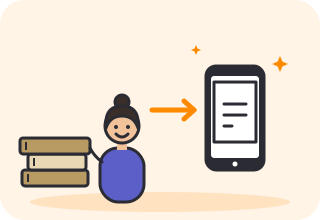
Old books into e-books
Turn files in Kruti Dev, Anu, Shree-Lipi and other old fonts, or scanned books, into e-books (EPUB).
Scanned books are read by OCR and need proofreading.
Open the tool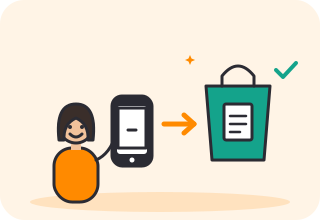
Ready for e-book stores
Make an EPUB you can upload to Google Play Books, or to Amazon Kindle for Hindi, Marathi, Tamil, Malayalam and Gujarati.
Every EPUB passes EPUBCheck. You publish it yourself.
Open the tool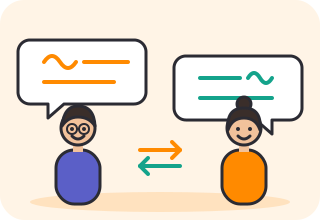
Translate your bookBeta
Translate between English and 12 Indian languages, with the layout kept.
Machine translation. Have it read before you publish.
Open the tool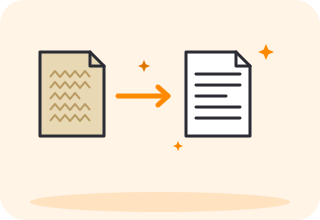
Old fonts to Unicode
Convert files in more than 20 old fonts (Kruti Dev, Anu, Shree-Lipi, Bijoy, Nudi, Bamini and more) into editable Unicode Word, with the layout kept.
Open the tool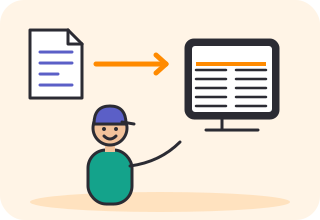
Back to PageMaker
Send Unicode text back as PageMaker-ready text in your old font.
10 fonts, each placed and checked in PageMaker 7.
Open the tool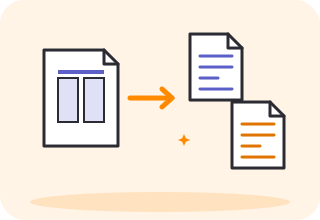
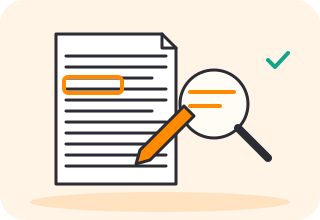
Fix OCR mistakes
Correct OCR text in the built-in editor, with the scan beside each word.
Open the tool
Check 500 files at once
Drop up to 500 files and see which tool each one needs, and which font a PDF is set in.
Open the tool
Split a PDF
Split a PDF by page, or by language, such as the Hindi pages from the English ones.
Open the tool
Try it free
Not sure which tool your file needs? Drop it in Analyse and it tells you the font and the tool.
Try it free