Make an e-book (EPUB) from a Word file
Watch it done
No sound. The captions say what is happening.
Before you start
- A Word file (.docx) in Unicode. Chapters start at the headings (Heading 1) in your file.
- A cover picture if you have one (JPEG or PNG). Without one, a plain cover is drawn from the title.
Steps
1.Open the DOCX to EPUB 3 page.
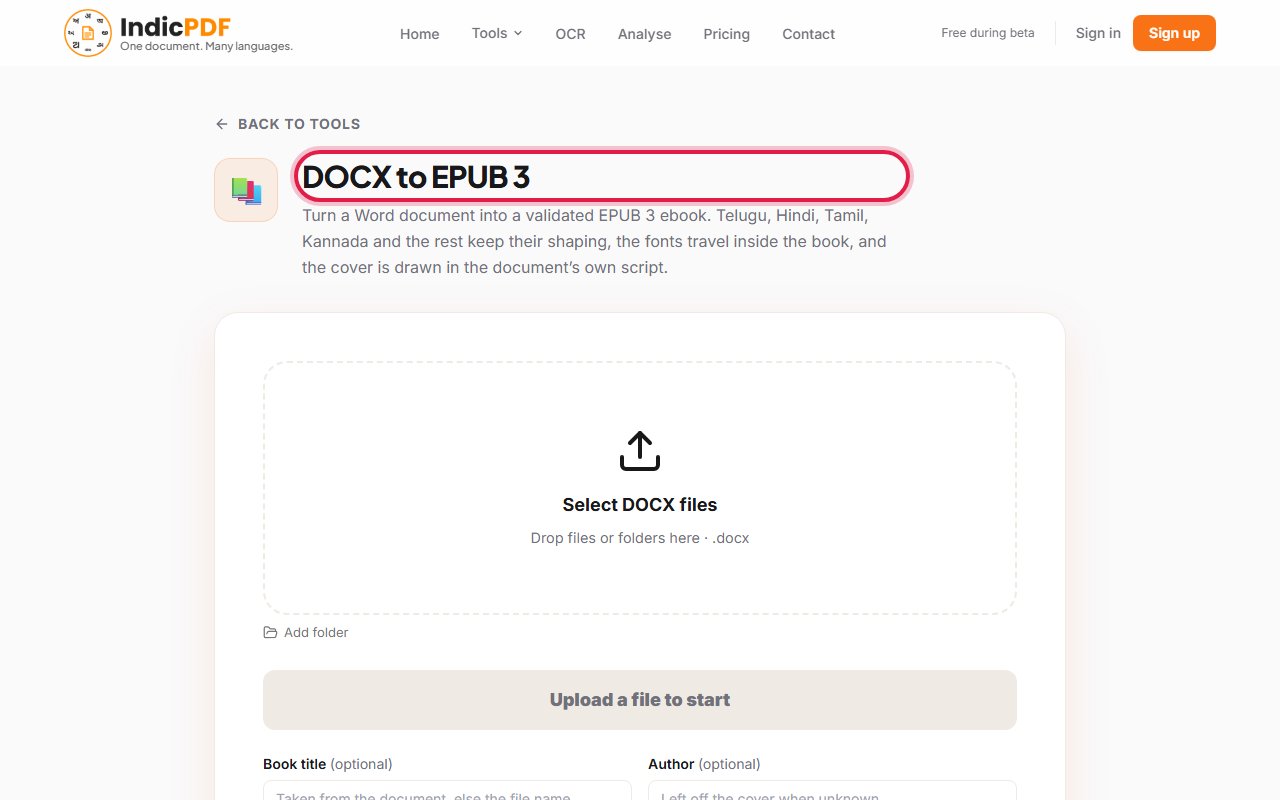
2.Click the upload box (Drop files or folders here) and choose your Word file.
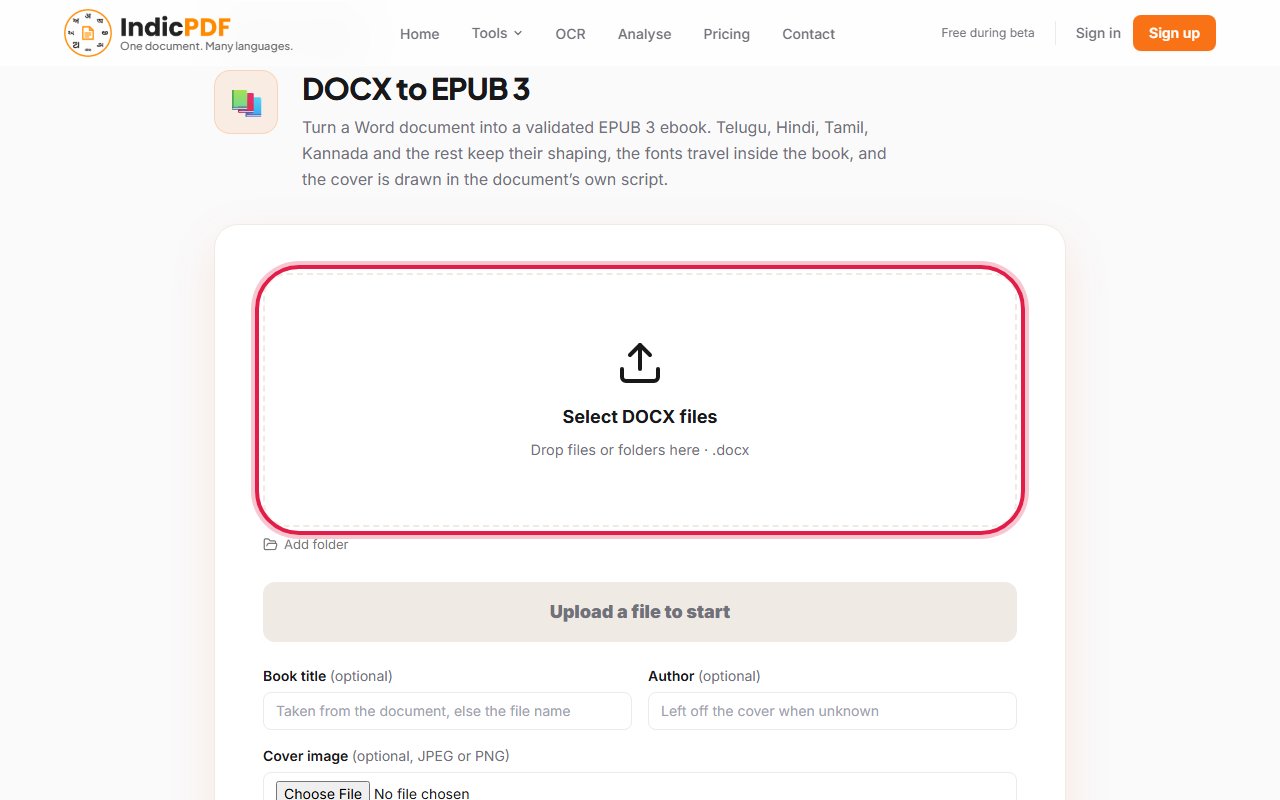
3.If you like, fill in Book title and Author, and add a Cover image. All three are optional.
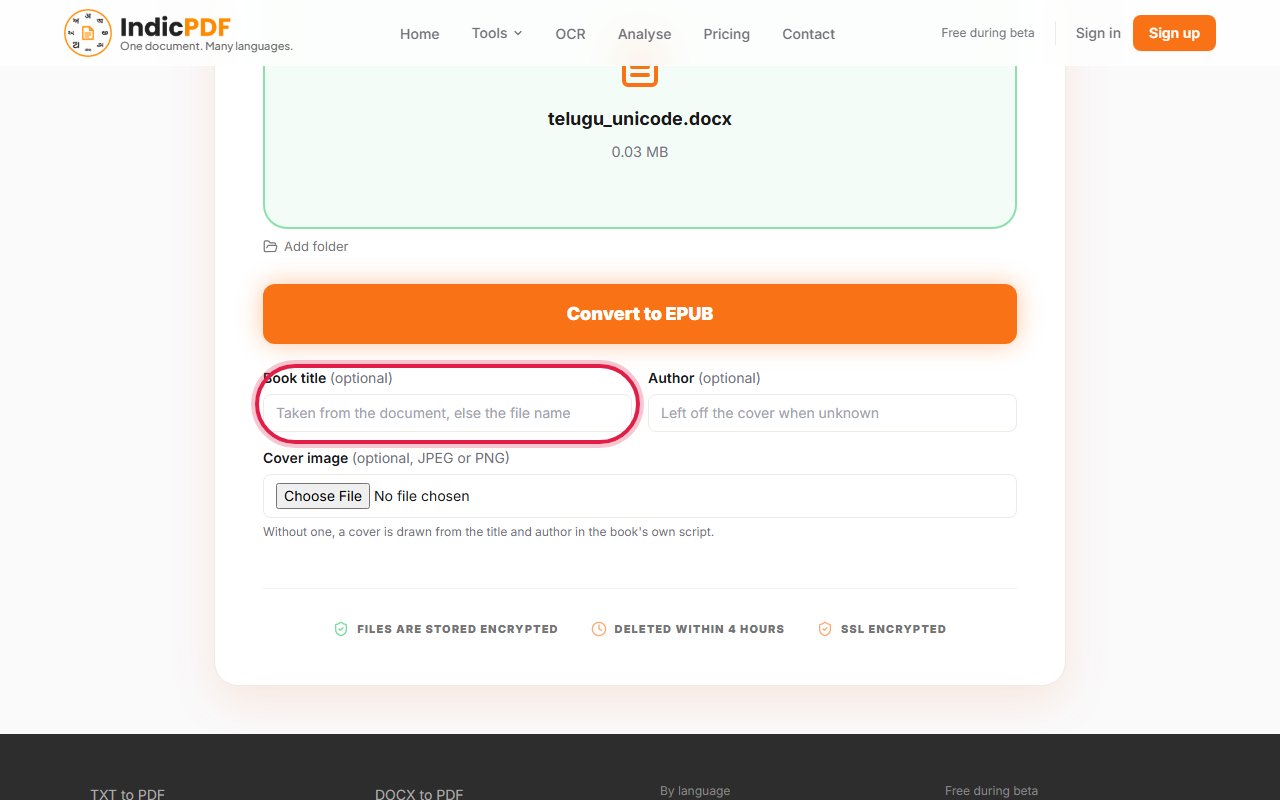
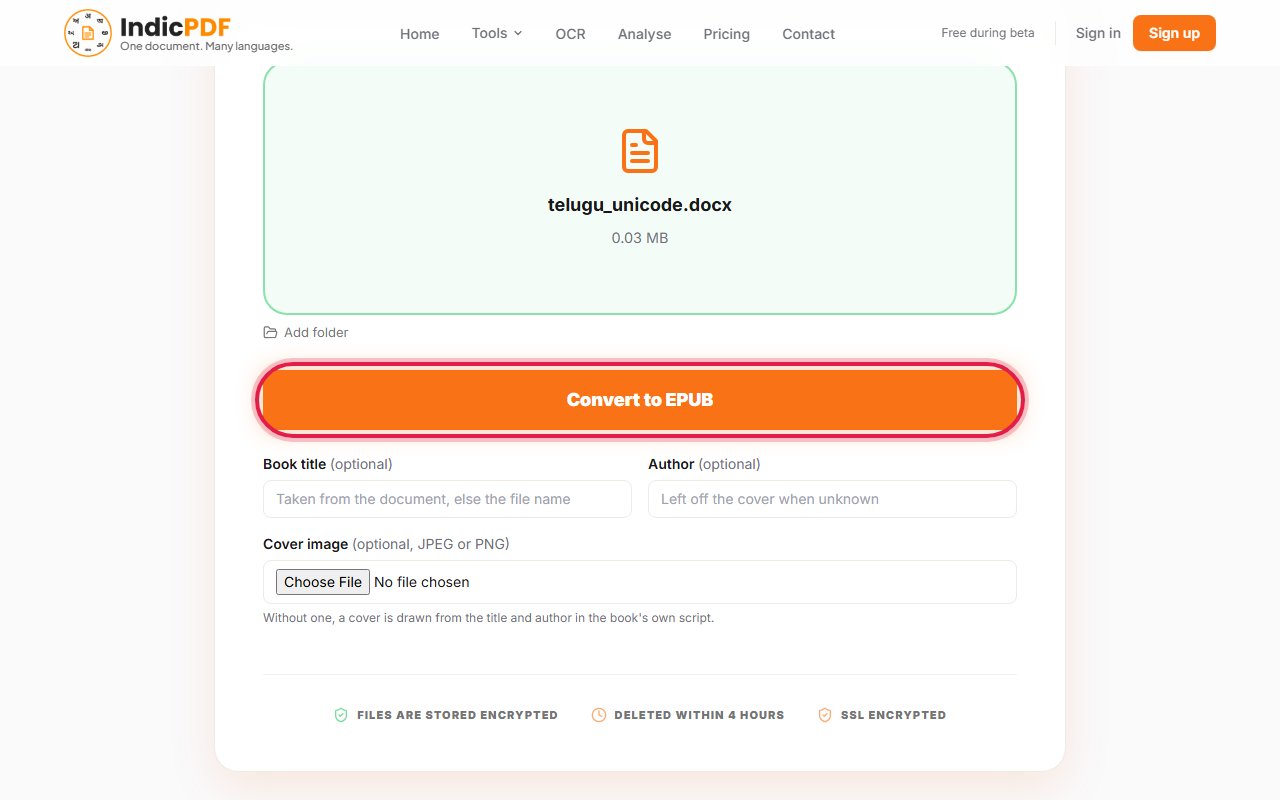
4.Click Convert to EPUB.
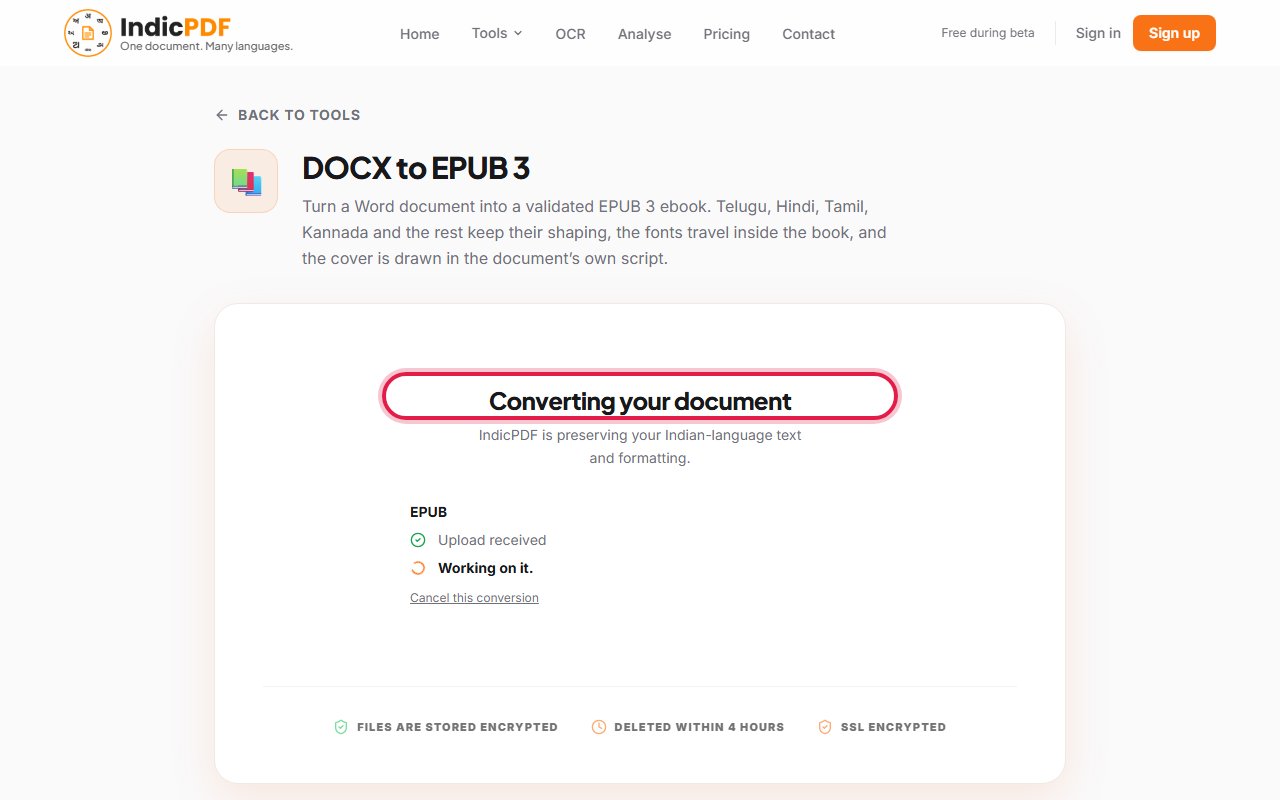
5.Wait while the page says Converting your document.
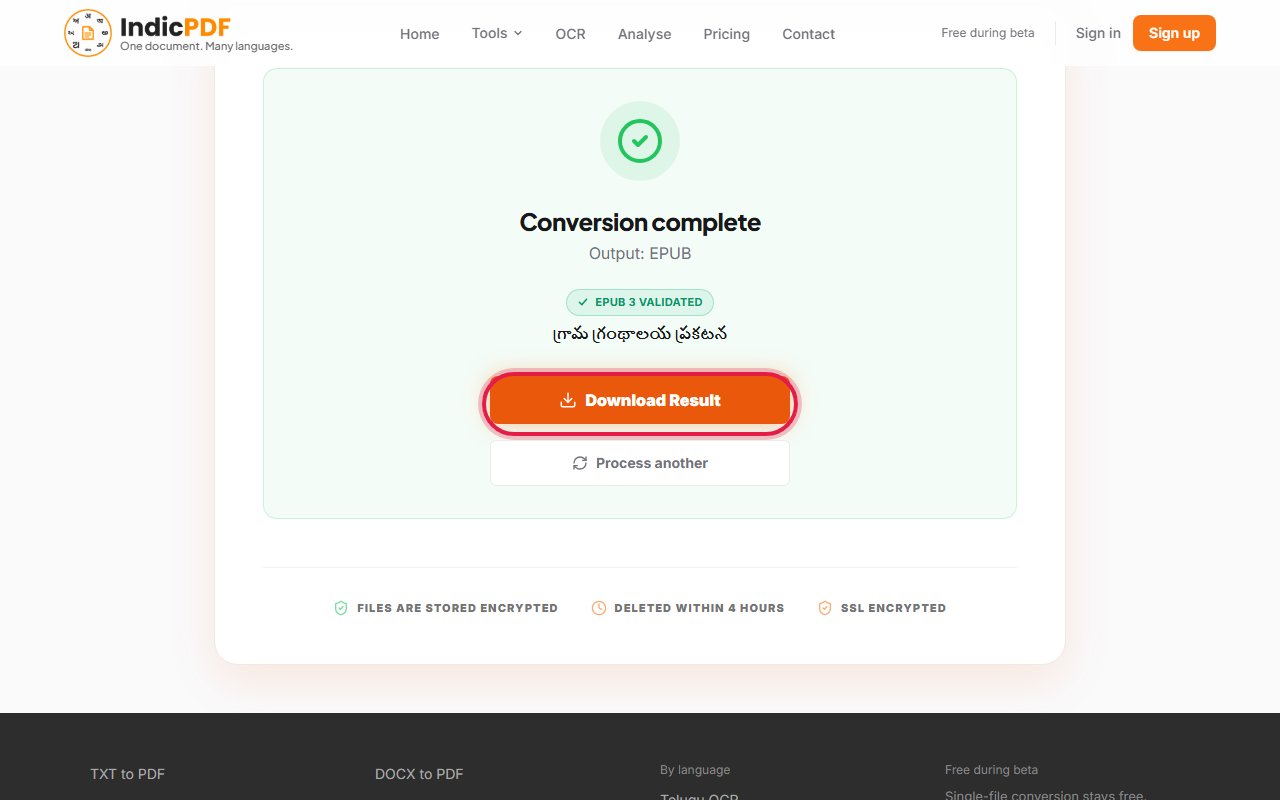
6.Click Download Result. Open the book in an e-book reader and look through it once.


What to expect
What this tool does not do yet
- Fixed pages: an e-book flows to fit the screen, so page breaks and page numbers of the Word file are not kept.
- Chapters are made only at Heading 1. A file with no headings becomes one chapter.
- A Word file typed in an old 8-bit font has to be converted to Unicode first, with the Legacy tool.
Files up to 25 MB. Your file and the result are deleted within 4 hours. No sign-up.
Common problems
The book’s title is my file’s name.
The Word file has no title of its own. Type the title in Book title before you convert.
The whole book is one chapter.
Chapters are made at Heading 1. Give your chapter titles that style in Word and convert again.
The page says the book did not pass the check.
Every book is checked with EPUBCheck, and one that fails is not handed over. Tell us through the Contact page so we can look at it.
The pages do not look like my Word pages.
An e-book has no fixed pages: the reader sets the size of the text and the lines flow to fit the screen.