Take pages out of a PDF, by number or by the language on each page
Watch it done
No sound. The captions say what is happening.
Before you start
- A PDF that is not locked with a password.
- To sort pages by language, the PDF needs real text in it. Scanned pages are put in a group of their own.
Steps
1.Open the Split PDF page.
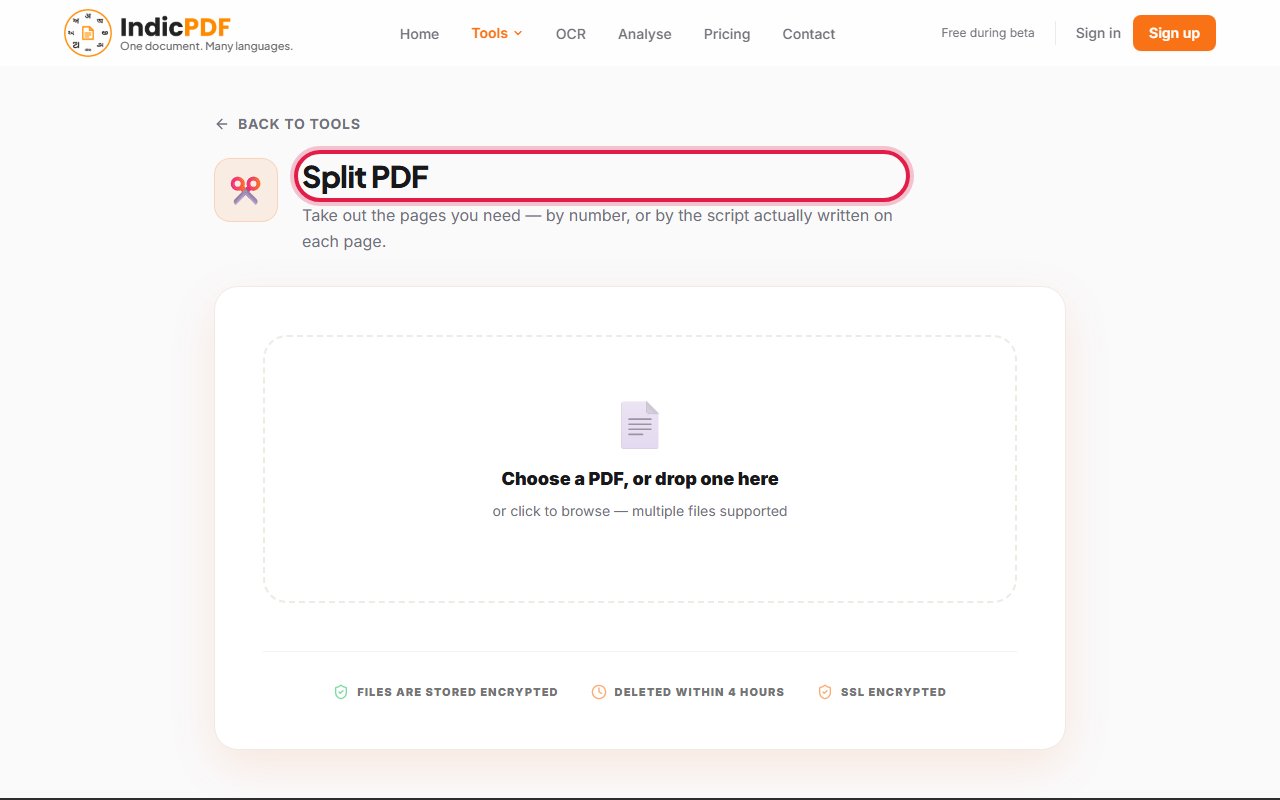
2.Click Choose a PDF, or drop one here and pick your PDF.
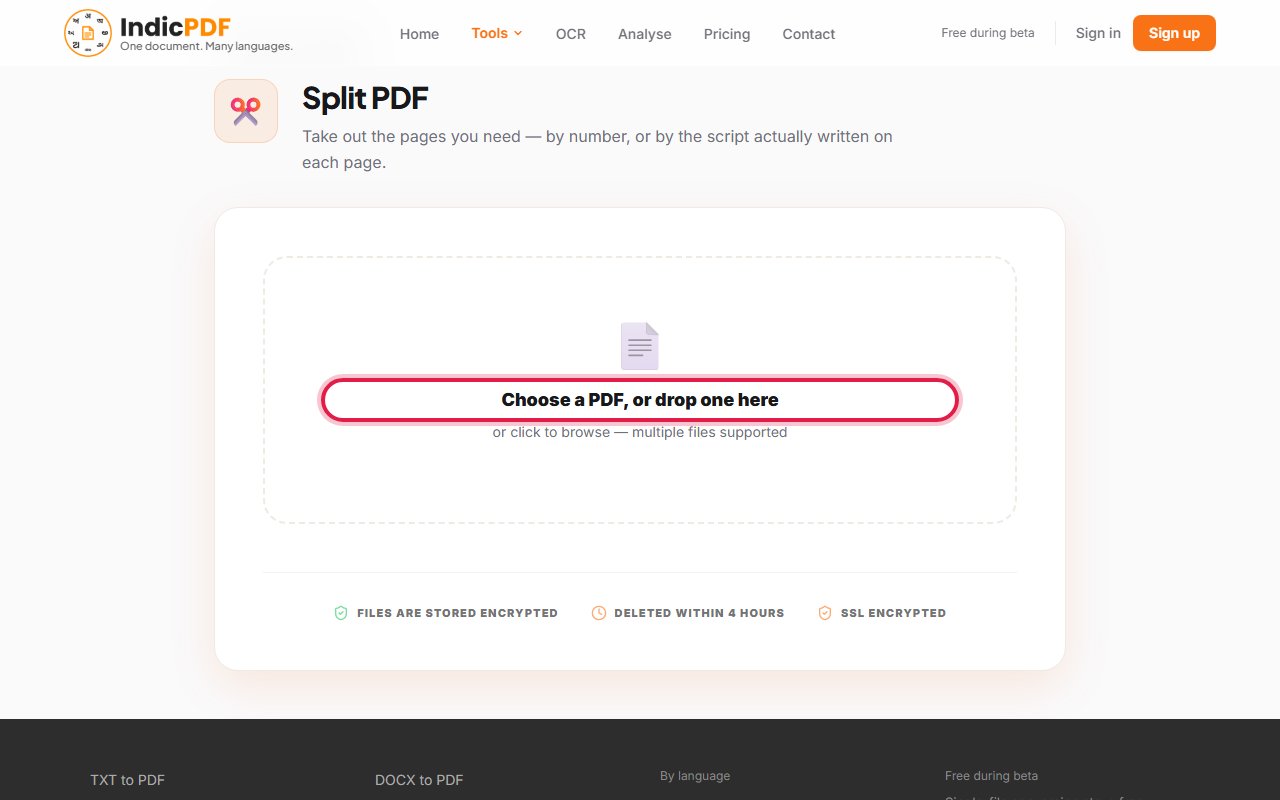
3.Choose By pages to type page numbers, or By script to pick pages by the language written on them.
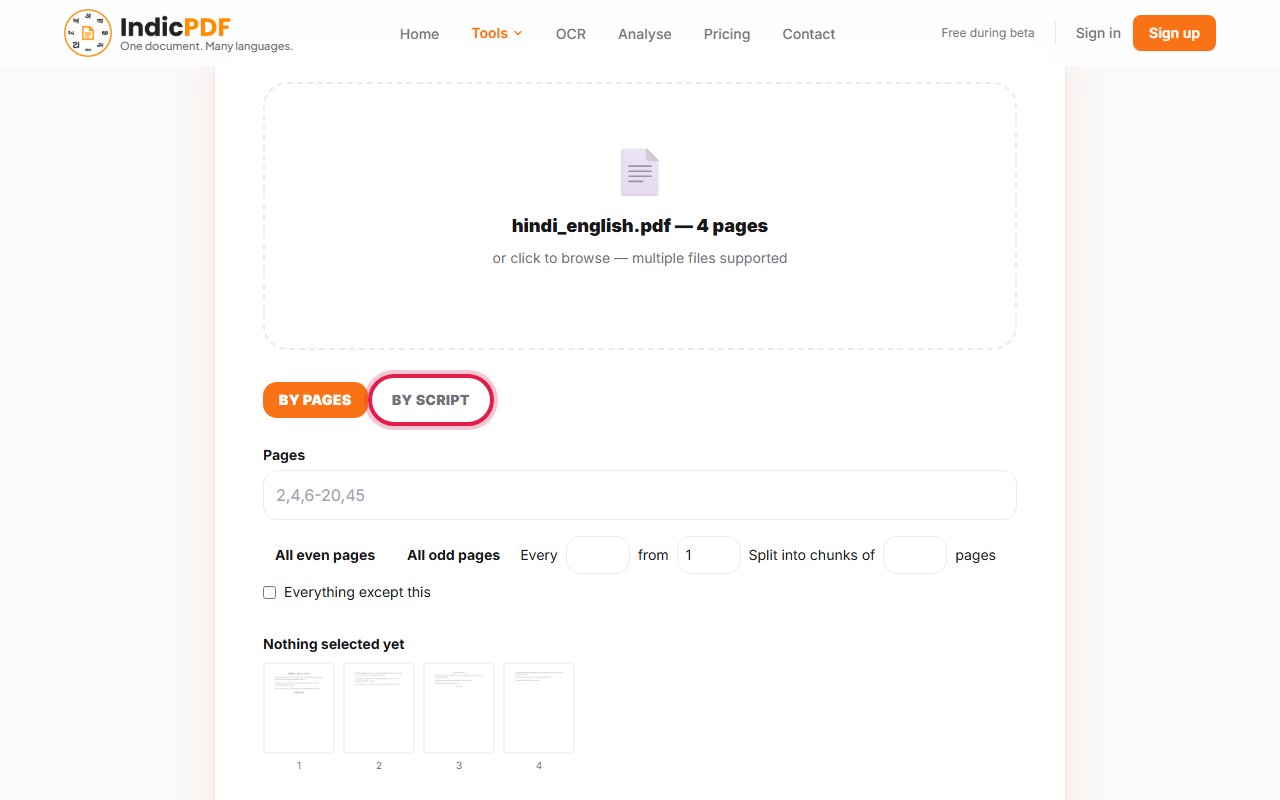
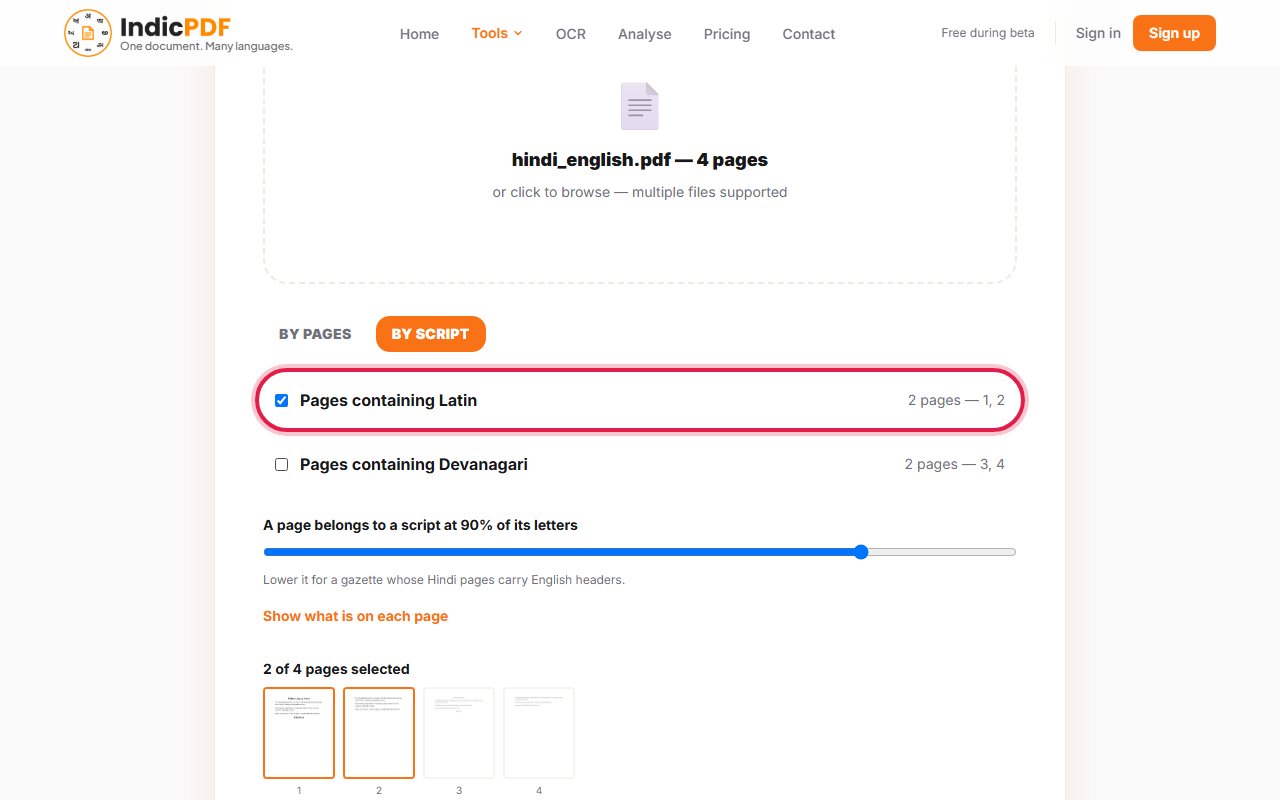
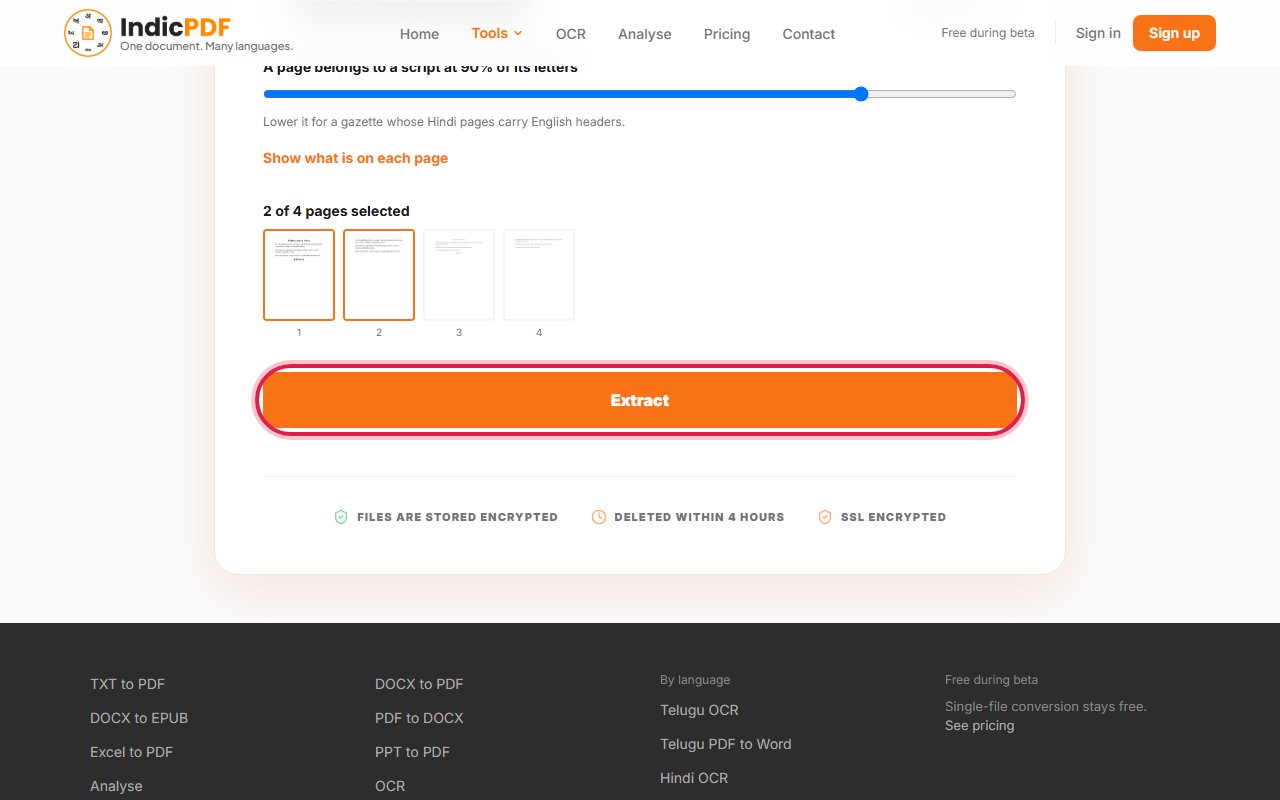
4.Type the pages or tick the group you want. The line Nothing selected yet changes to the number of pages chosen, and those pages light up in the strip.
5.Click Extract.
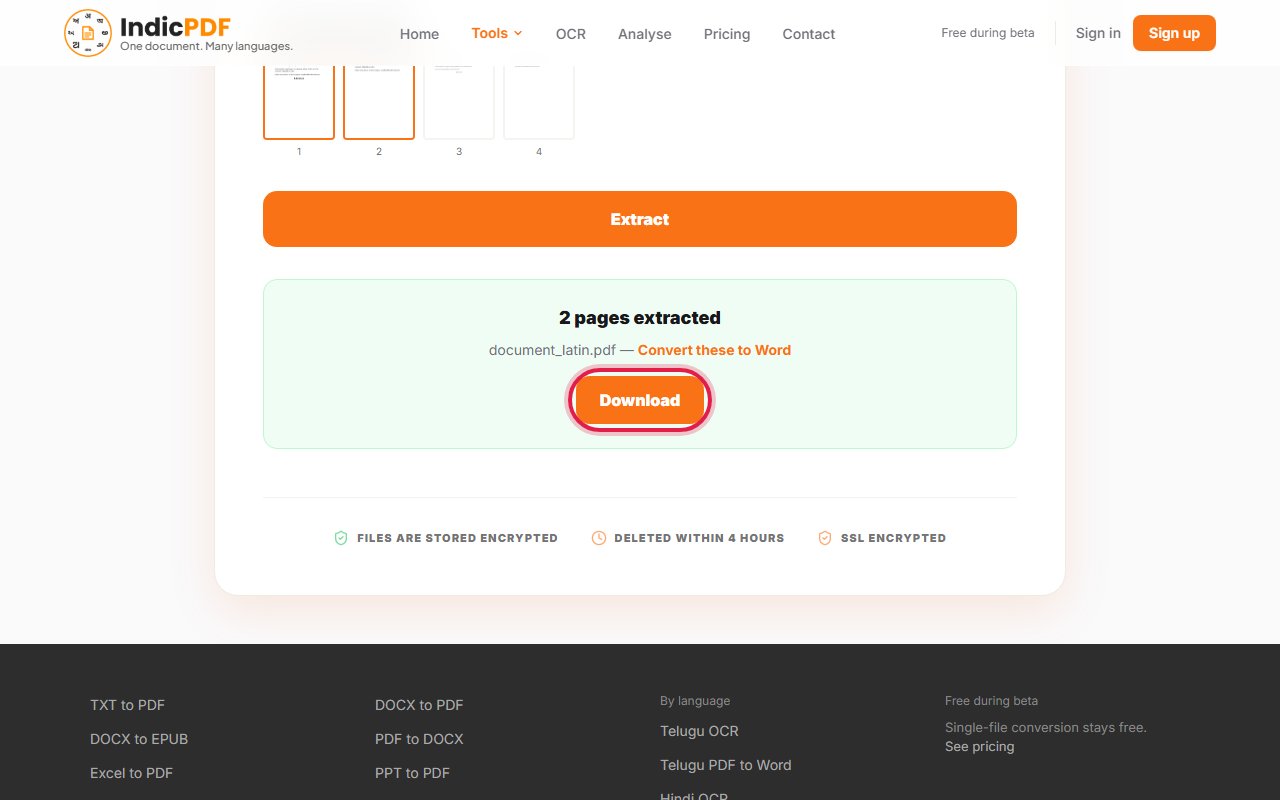
6.Click Download. You can extract another group from the same PDF without uploading it again.


What to expect
What this tool does not do yet
- Scanned pages cannot be sorted by language: they hold a picture, not text. They are put in a group of their own.
- A PDF protected by a password or a copying restriction is refused.
- A digital signature does not survive: the pages are taken out, and the new file is unsigned.
Files up to 25 MB. Your file and the result are deleted within 4 hours. No sign-up.
Common problems
A page is in the Mixed group.
No single script makes up enough of that page. Lower the slider under the groups, or pick the page by its number.
My pages are in the group with no text layer.
Those pages are pictures of text. Extract them and read them with the OCR tool.
The page refuses my PDF.
A PDF protected by a password or by a copying restriction cannot be split here. Remove the protection first if you are allowed to.
The PDF was digitally signed.
You can still take pages out, but the new file no longer carries the signature. The page tells you before you extract.