Convert a PDF into an editable Word file
Watch it done
No sound. The captions say what is happening.
Before you start
- A PDF whose text you can select and copy correctly. If a copied line pastes as wrong letters, the PDF is in an old font: use the Legacy tool instead.
- Scanned pages are read by OCR, which takes about 23 seconds a page. A long scanned book has to be split into parts first.
Steps
1.Open the PDF to DOCX page.
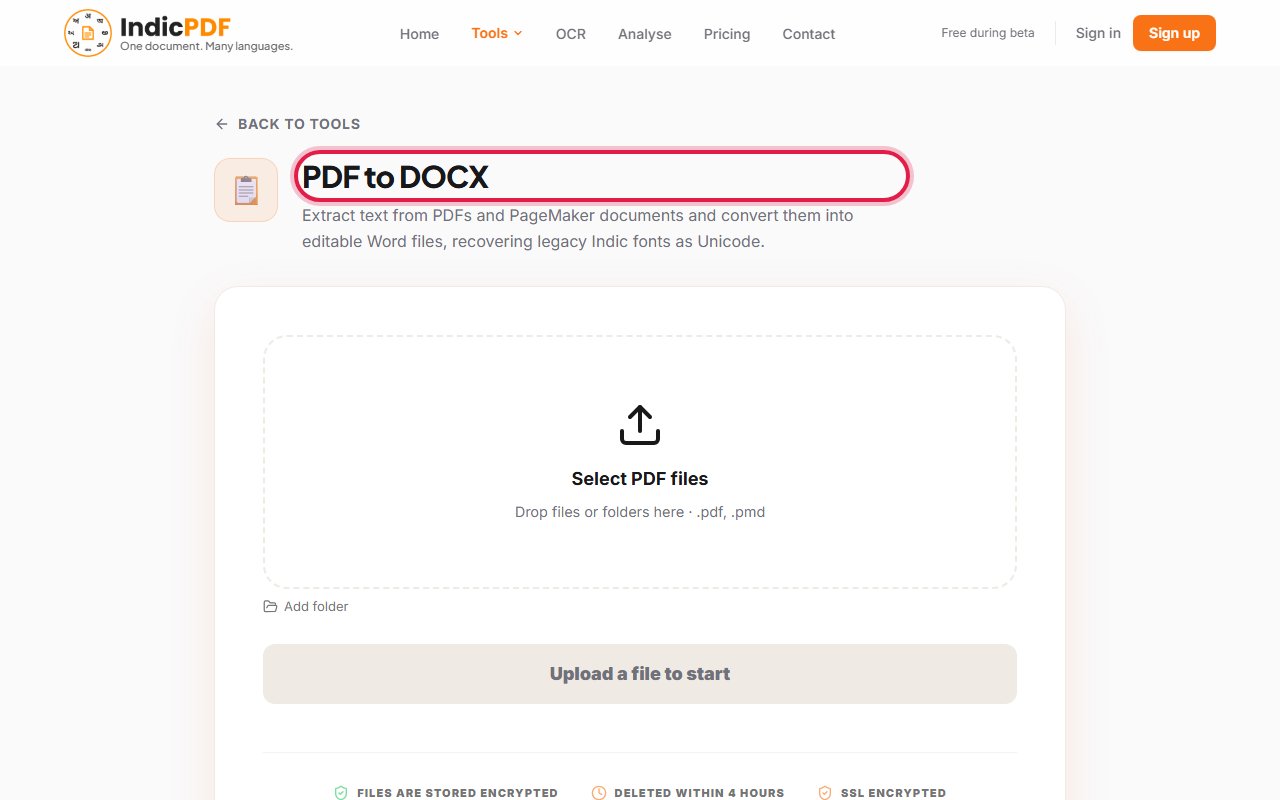
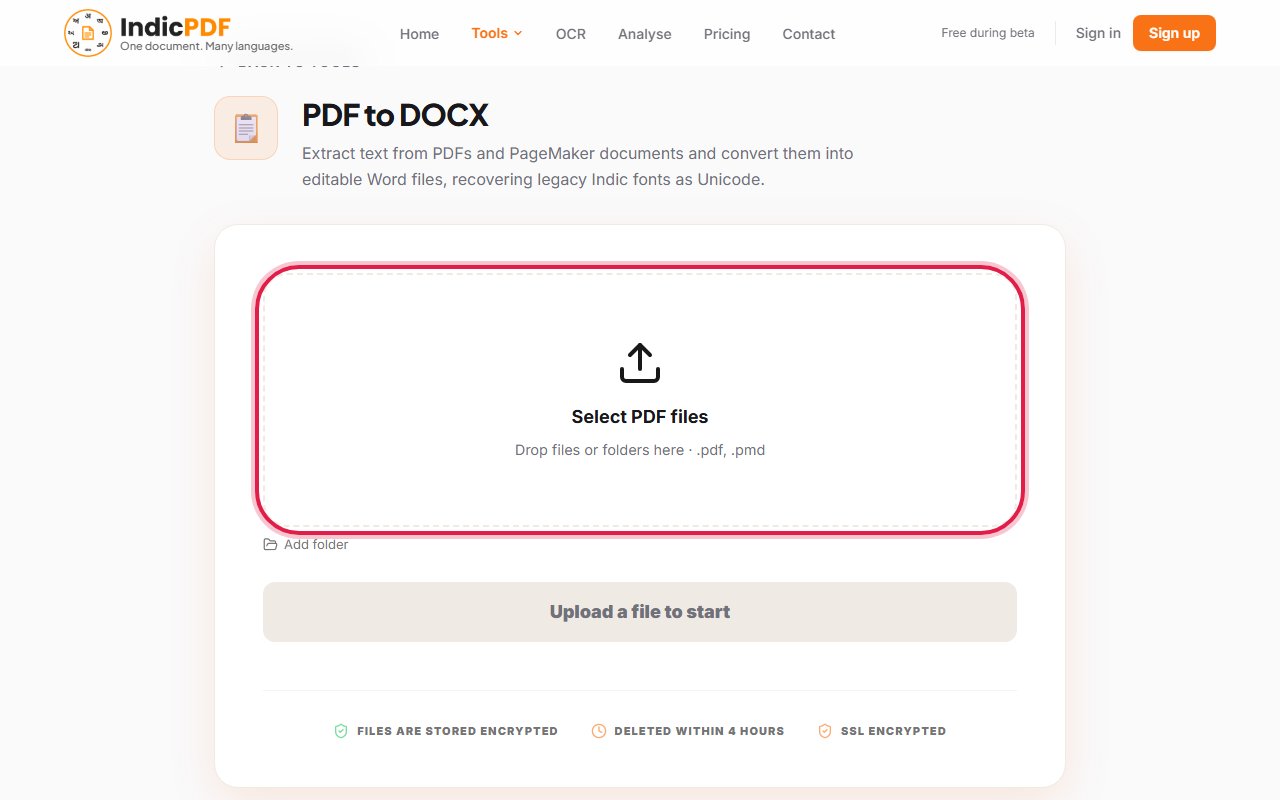
2.Click the upload box (Drop files or folders here) and choose your PDF.
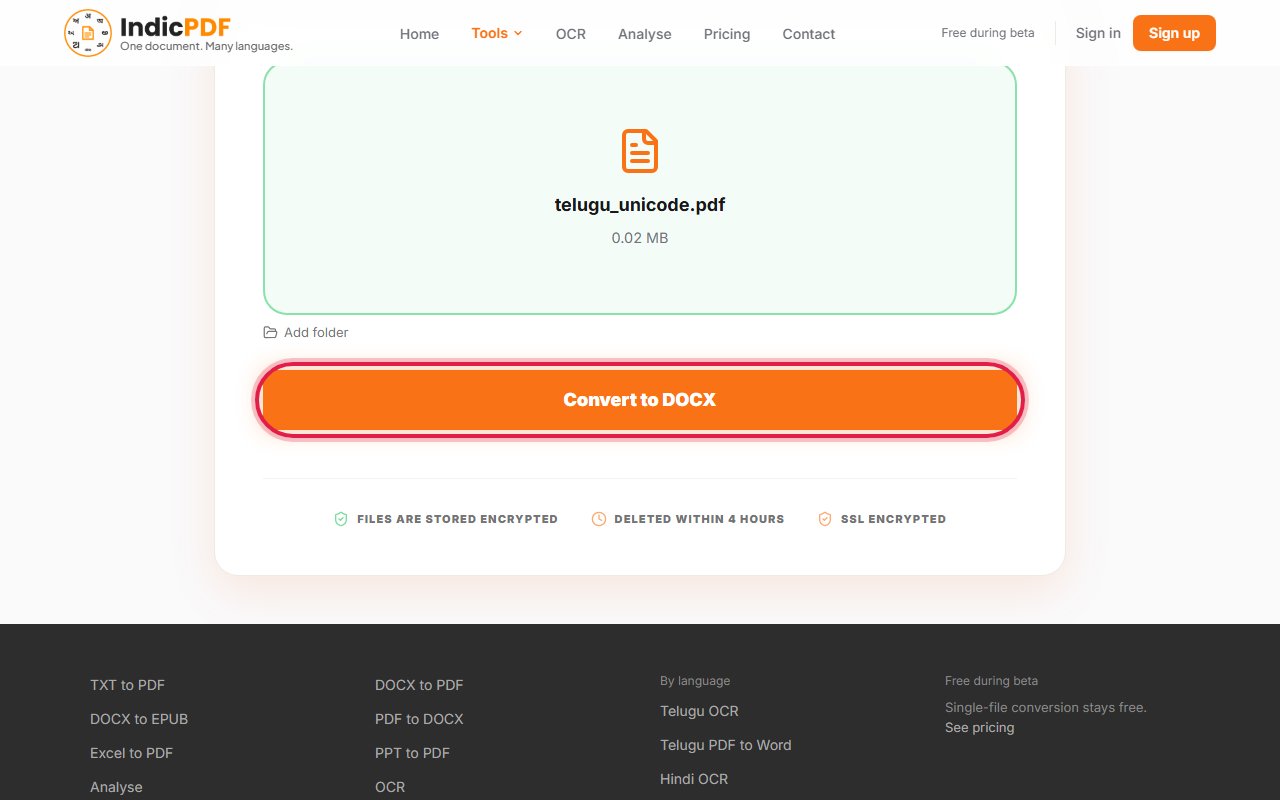
3.Click Convert to DOCX.
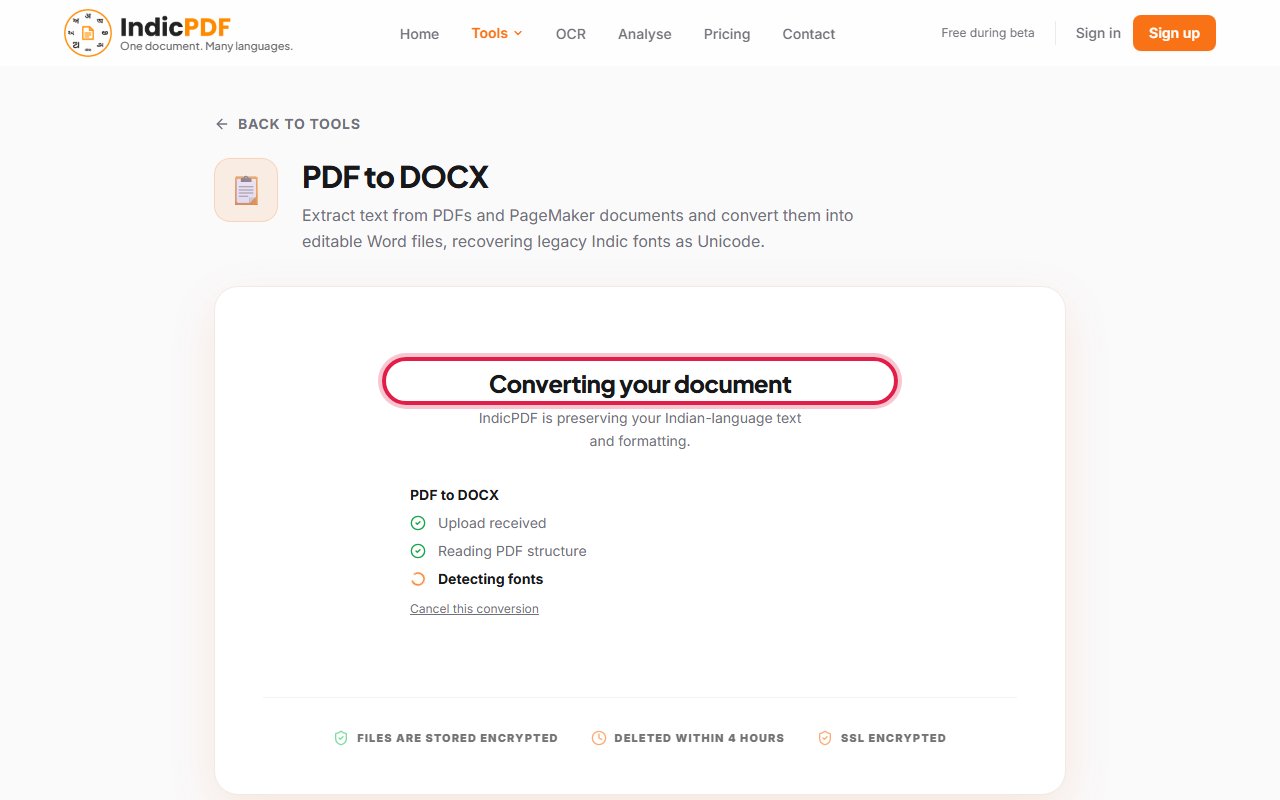
4.Wait while the page says Converting your document. If others are ahead of you, it shows your place in line.
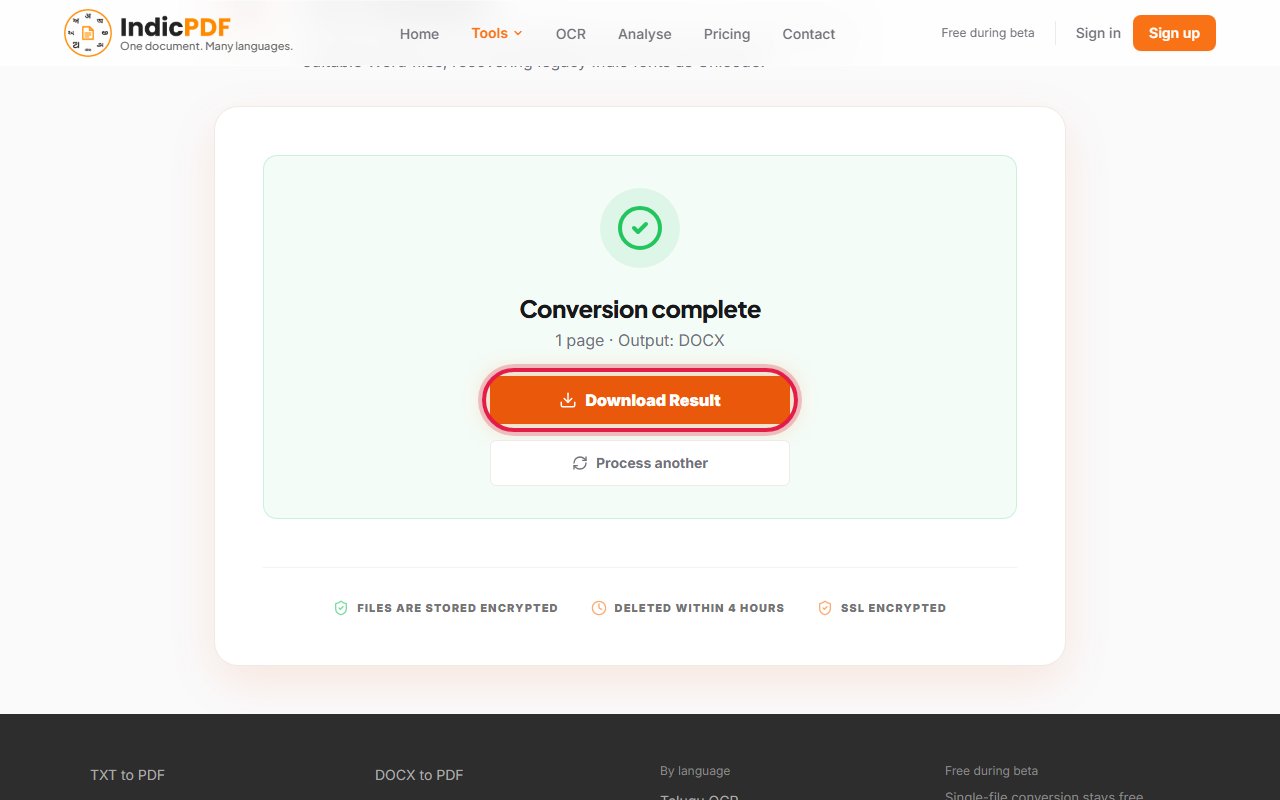
5.Click Download Result. Open the Word file and check it against your PDF.


What to expect
Languages (13): Hindi, Marathi, Telugu, Tamil, Bengali, Assamese, Gujarati, Kannada, Malayalam, Odia, Punjabi, Sanskrit, English
What this tool does not do yet
- Old 8-bit fonts: a PDF typed in a legacy font is refused here and sent to the Legacy tool, which reads the font.
- Long scans: a scanned page takes about 20 seconds, so a long scanned PDF has to be split into parts.
- Layout: text, fonts, sizes and pictures are carried over. Tables and columns do not always come out as they were; check them.
Files up to 25 MB. Your file and the result are deleted within 4 hours. No sign-up.
Common problems
The page says my PDF uses a legacy font.
The letters in the PDF are stored in an old font’s codes. Use Legacy PDF to DOCX, which reads that font.
The page says the scan is too long.
A scanned page takes about 23 seconds to read, and one job has ten minutes. Split the PDF into smaller parts and convert each one.
Only some pages were converted.
The job ran out of time on a slow scan. The result says which pages it holds. Convert the remaining pages as a separate PDF.
Some words are wrong on scanned pages.
OCR makes mistakes on worn or small print. Check names and numbers, or open the scan in OCR Correction.