Convert an old Kruti Dev Hindi PDF into an editable Word file
Watch it done
No sound. The captions say what is happening.
Before you start
- A PDF that was typed in Kruti Dev or another old Hindi font. If you copy a line from it and paste it, you see English letters, not Hindi.
- A scanned PDF (a picture of a page) will not work here. Use the OCR tool for that.
Steps
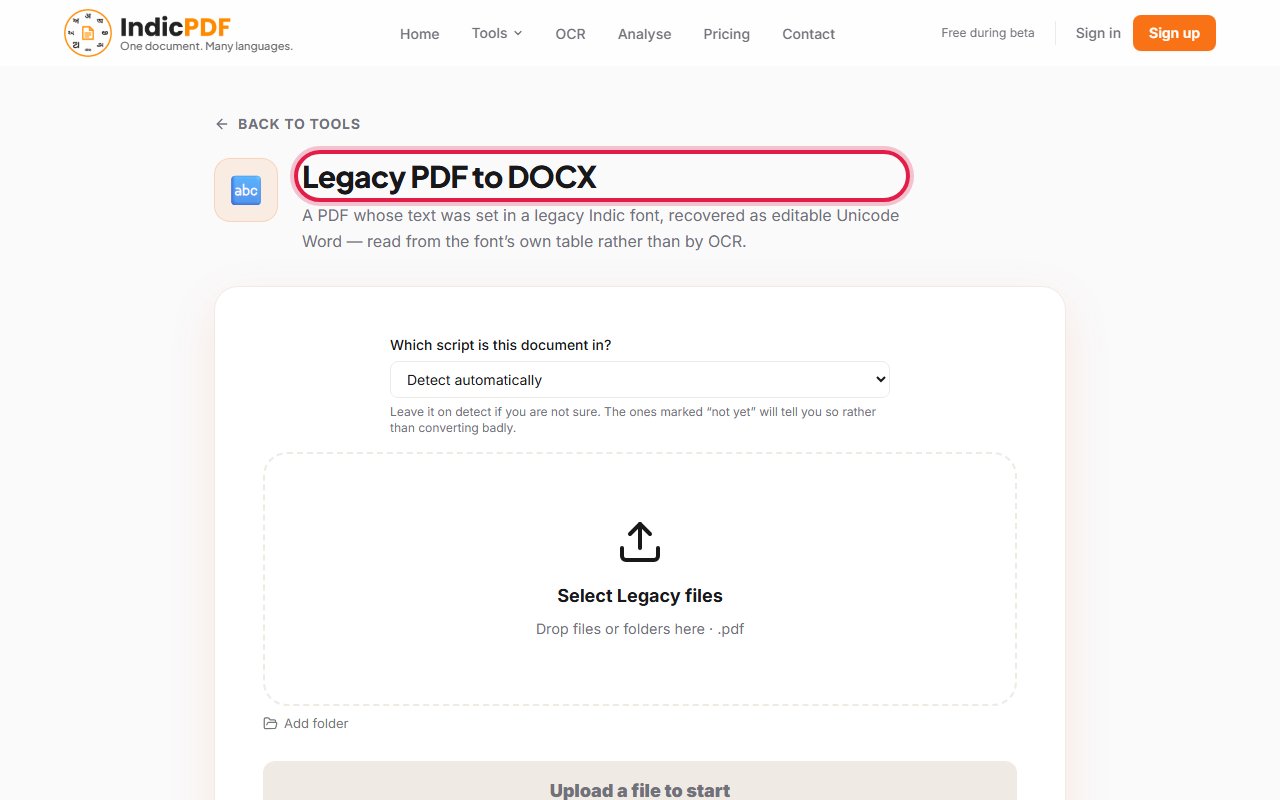
1.Open the Legacy PDF to DOCX page.
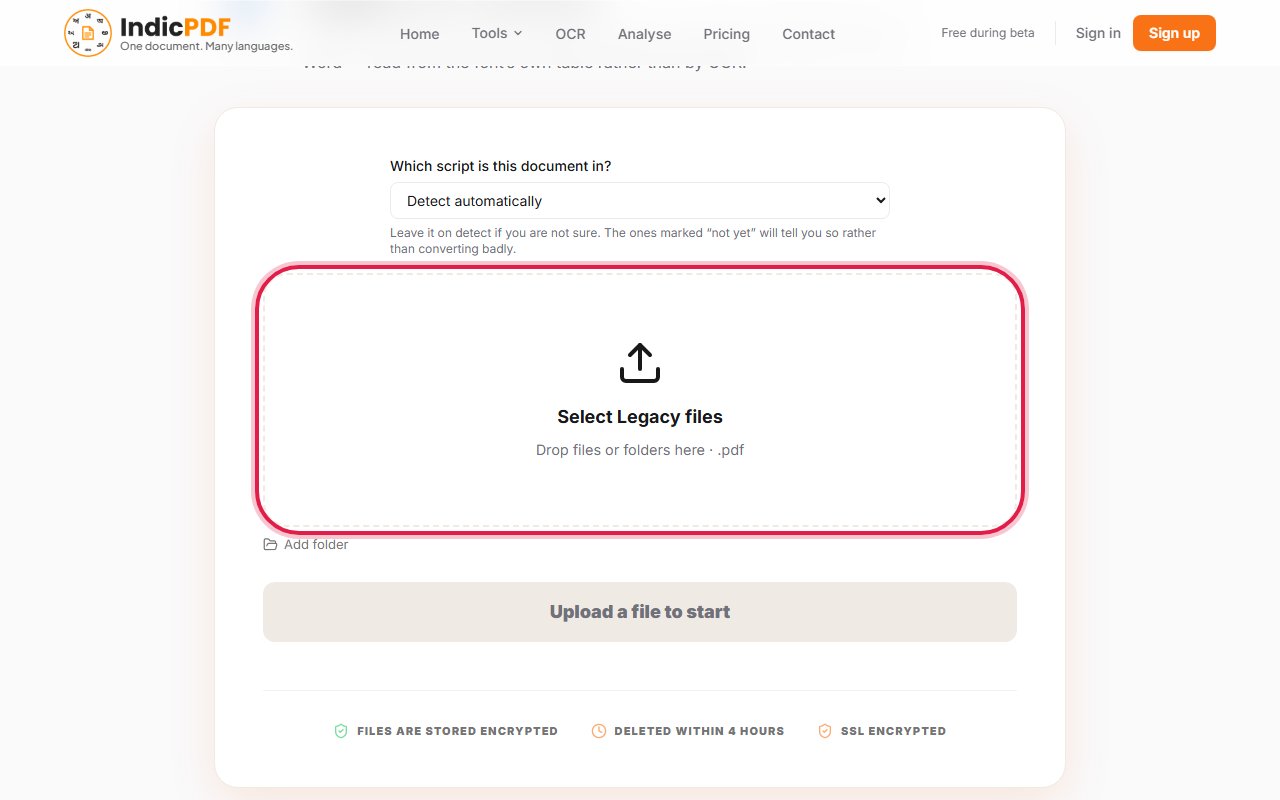
2.Click the upload box (Drop files or folders here) and choose your PDF.
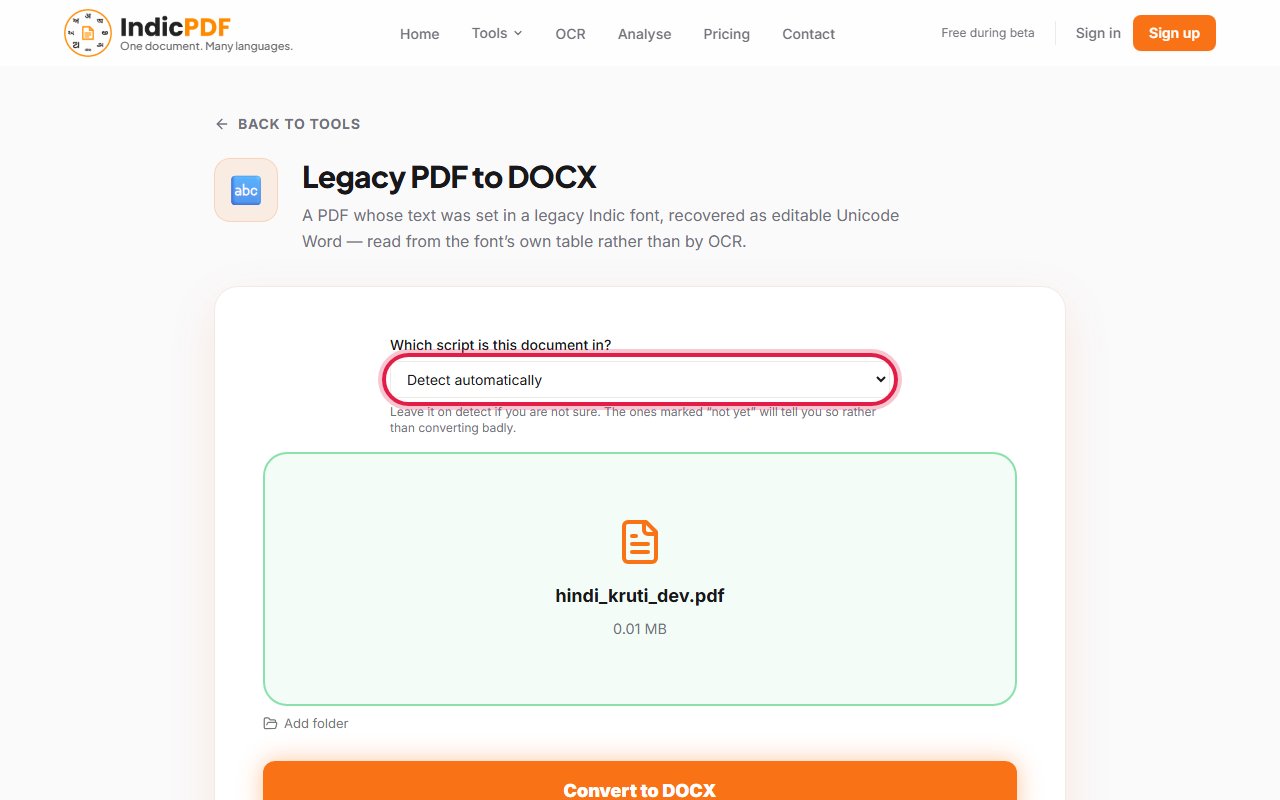
3.Leave Which script is this document in? on Detect automatically. IndicPDF finds the font by itself.
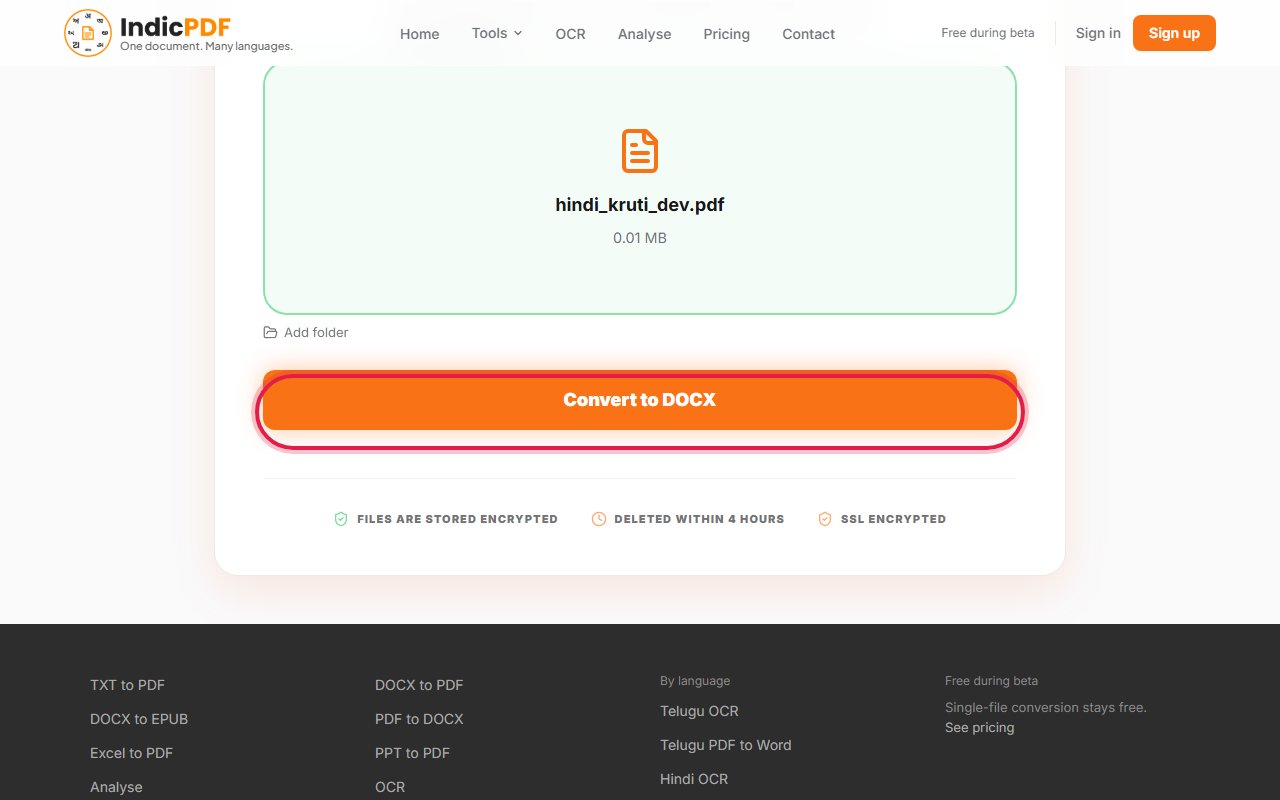
4.Click Convert to DOCX.
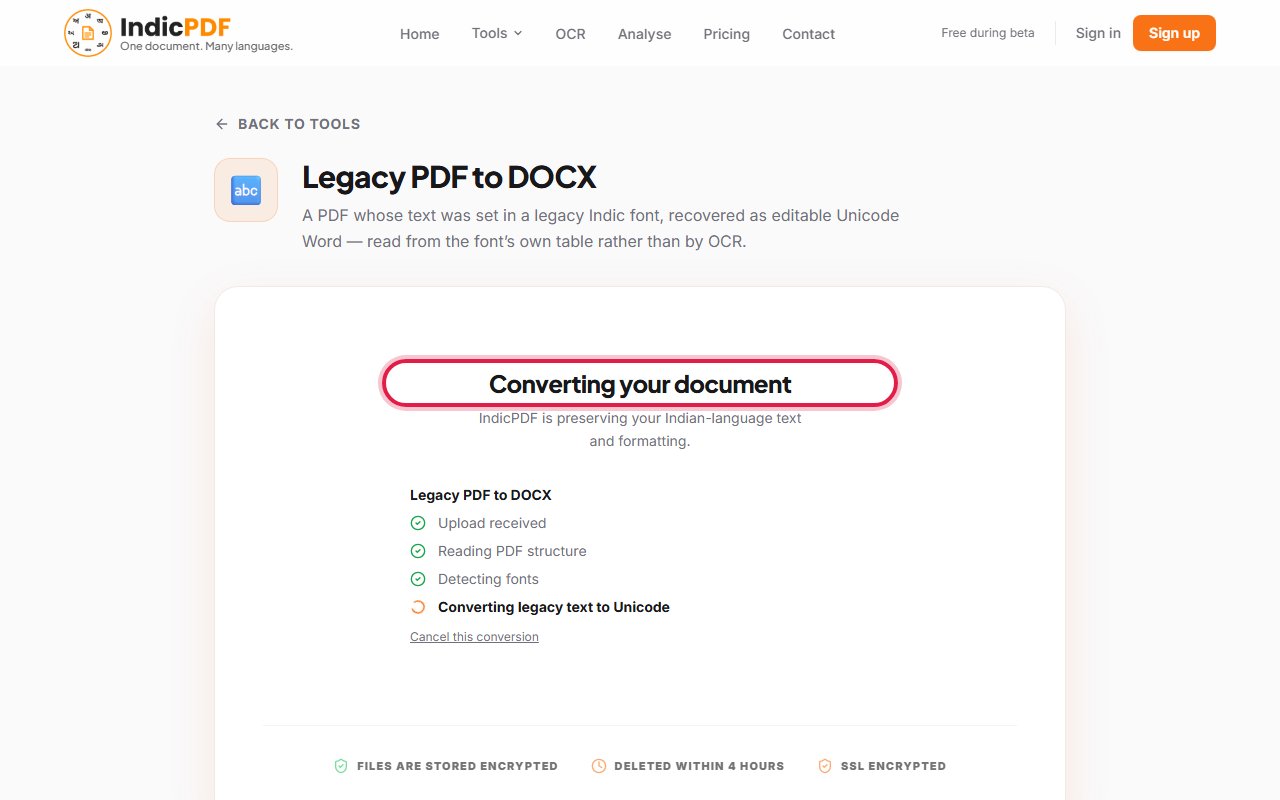
5.Wait while the page says Converting your document. If others are ahead of you, it shows your place in line.
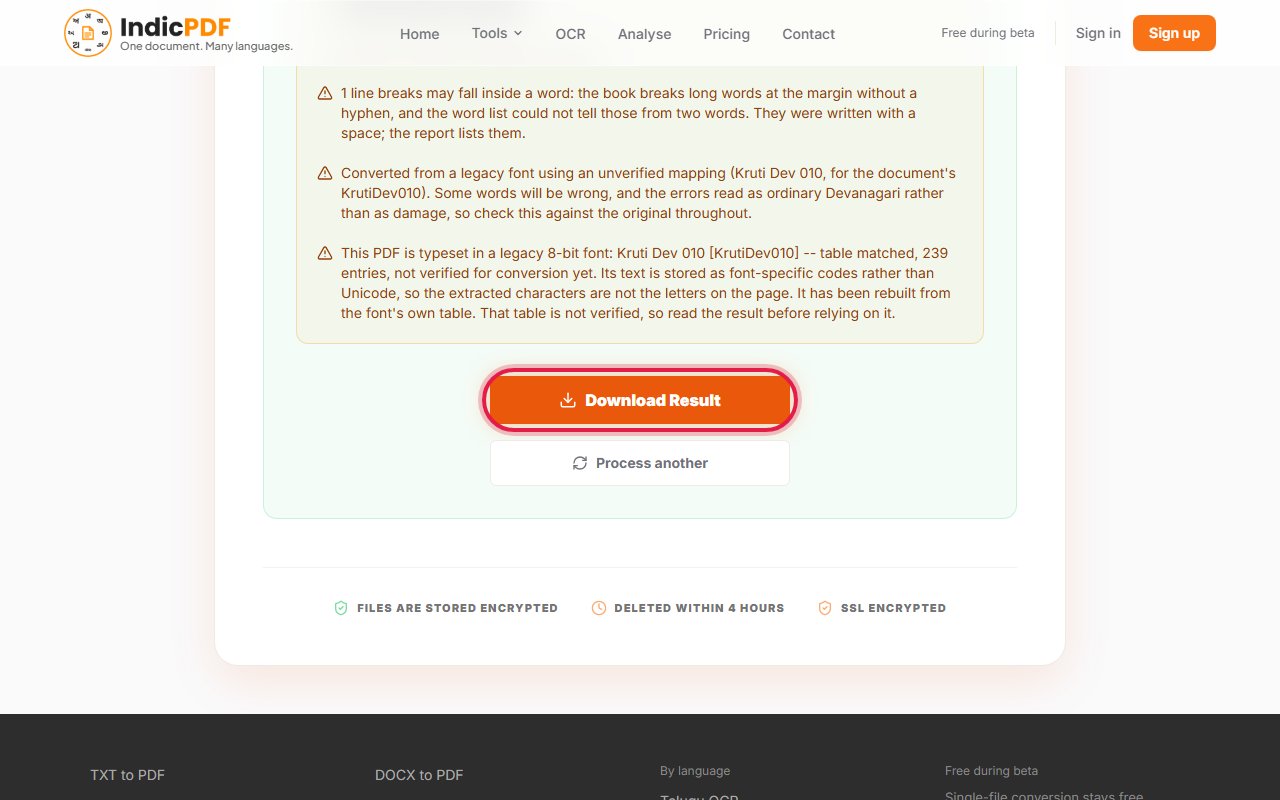
6.Click Download Result. Open the Word file and read it once against your PDF.


What you get
Copied from the PDF
fo|ky; iqLrdky; lwpuk
In the Word file
विद्यालय पुस्तकालय सूचना
What to expect
Checked
- Kruti Dev 010
- DevLys 010
- Chanakya
Converts, less checked
- Kruti Dev 714
- Shree-Lipi (SHREE-DEV7, SHREE-DEVX)
- Akruti Marathi (AkrutiMar_B faces)
Not supported yet
- Walkman-Chanakya, Shivaji, AkrutiDev Bhaskar
Languages (11): Telugu, Hindi, Marathi, Sanskrit, Bengali, Tamil, Kannada, Malayalam, Gujarati, Odia, Punjabi
What this tool does not do yet
- Tables: ruled tables become Word tables. Tables drawn without lines come out as lines of text. Check the result.
- Scanned pages: this tool reads the codes stored in the PDF, so a scanned PDF needs the OCR tool.
- Page breaks: the Word file follows the PDF page by page. A page that holds more than fits runs on to the next, and the result says so.
Files up to 25 MB. Your file and the result are deleted within 4 hours. No sign-up.
Common problems
The page says the font is not supported.
There is no table for that font yet. The box above lists the fonts that convert. If the pages are scans, the OCR tool can still read them.
My file is waiting in a queue.
Files are converted one after another. The page shows how many are ahead of you. You can keep the link and come back; the result stays until it is deleted.
Some words are wrong.
The conversion copies what the PDF holds, spelling mistakes included. If the same letter is wrong everywhere, tell us through the Contact page.
The Word file has more pages than my PDF.
The Unicode font is a little wider than Kruti Dev, so a full page can run on to the next. The result page tells you when this happened.
I got English letters instead of Hindi.
You probably used PDF to DOCX, which trusts the PDF. Use Legacy PDF to DOCX, which reads the font.